


Solitaire
4.543.77K Reviews
App Specs
- Version
- 5.9
- Updated On
- License
- Free
- Downloads
- 10,000,000+
- Developer
- Mouse Games
- Categories
- Card
- Platform
- Android, iOS
Screenshots
 Analysis by AppCompare
I recently took a nostalgic dive into the world of Solitaire, the classic card game that many of us grew up playing on our computers. This time, I tried out the mobile version available on both Android and iOS. Let me tell you, it was like slipping into a comfy pair of old shoes—familiar yet fresh, thanks to some nifty updates.
What I like most about a solitaire game on a phone is how quickly it can fit around the day. I can begin a hand while waiting for a kettle to boil, put the phone down when something needs my attention, and decide later whether I want another round. The appeal is not a promise of nonstop excitement; it is having a small, familiar puzzle ready when I have a few quiet minutes.
This version is a free card game from Mouse Games, with an Everyone age rating. It has a 4.6 average from around 224,000 ratings and over 10 million installs, which suggests it has found a substantial audience without changing the basic appeal of solitaire. The current version is 5.9, and it supports Android 4.0 or later, so it may also suit someone using an older Android device.
Starting a hand without a long warm-up
The first action is simple: look over the tableau, spot a useful card, and move it to uncover what is underneath. That clear starting point is why I find solitaire easier to pick up than many card games that require learning a hand of special rules or coordinating with other players. You can play at your own pace, and a pause does not leave anyone waiting on you.
For someone new to the game, the practical goal is to expose hidden cards while building the suit piles in ascending order. I would not treat every available move as automatically useful. A move that seems productive can block a card you need elsewhere, so it helps to check whether shifting a card will uncover something or simply rearrange the same choices. That small habit makes each hand feel more thoughtful without making it complicated.
On a crowded commute, I would use the game differently than at home. A short spell of attention is enough to make a move or two, but a sudden stop or a station announcement can interrupt the flow. That is a good fit for a game that does not depend on a fast response. If I want a session that demands concentration from beginning to end, though, a longer strategy game or a head-to-head card match would be a better choice.
Refined Classic Gameplay
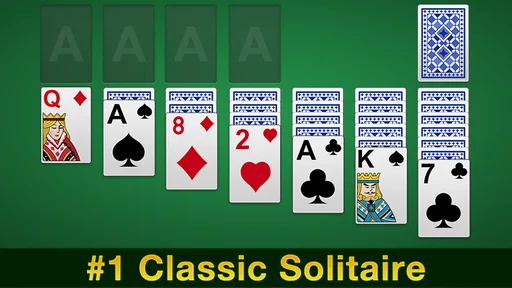
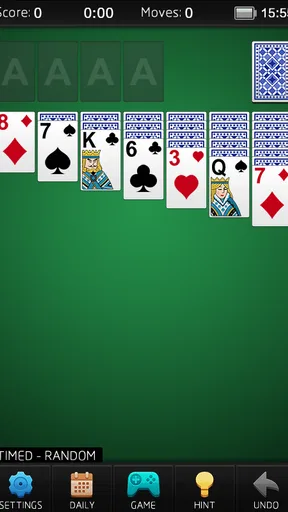
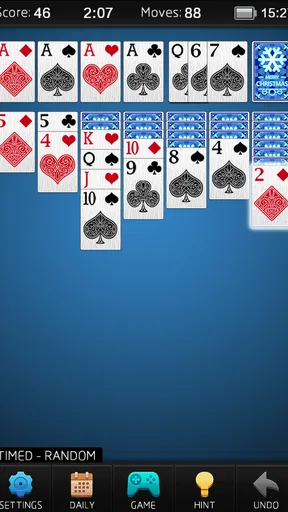
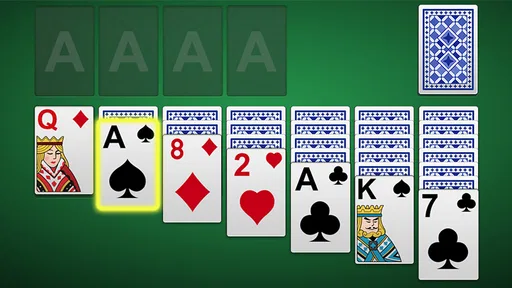
First off, if you’re a fan of the original game, you’ll feel right at home with Solitaire on mobile. The rules are the same: arrange the cards by suit in ascending order. But what really caught my eye was the interface. It’s sleek, intuitive, and designed to make playing on a smaller screen a breeze.
Worth Reading Before You Choose

Flipboard Shows What News Apps Must Do Beyond the Feed

Switching to Android Auto Means Rethinking Your Driving Routine

Google Calendar Makes a Crowded Week Easier to Manage

Ludo King Makes the Most of the Minutes Between Plans

Baby Panda World Brings Quick Play to Modern Phones, but Its Game Library Feels Busy

ESPN’s Live Game View Makes Following Close Games Easier
The drag-and-drop feature is smooth, and there are handy hints if you ever get stuck. Plus, the game offers an undo option, which, let’s face it, is a lifesaver when you’ve made one too many wrong moves.
The hint and undo tools are most useful when I use them as a way to learn from a hand, not as buttons to press automatically. A hint can help me notice a move I overlooked, while undo lets me test whether a choice actually improved the position. I still prefer to pause for a moment before asking for help: otherwise, the game can become a sequence of suggestions rather than a puzzle I am solving myself. The trade-off is straightforward—the assistance lowers frustration, but using it constantly can make wins feel less earned.
Customization and Themes
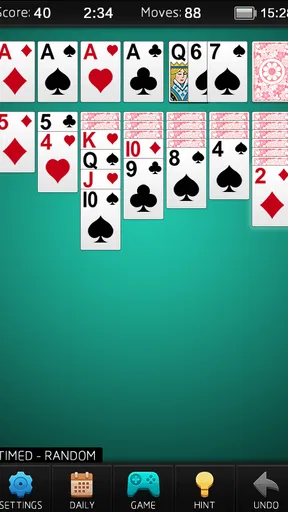
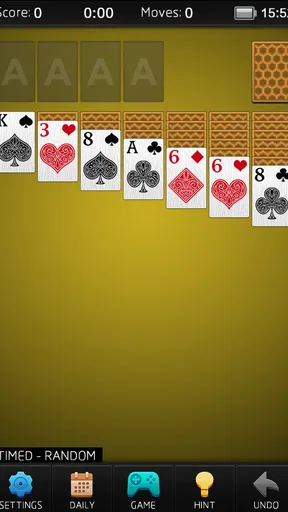
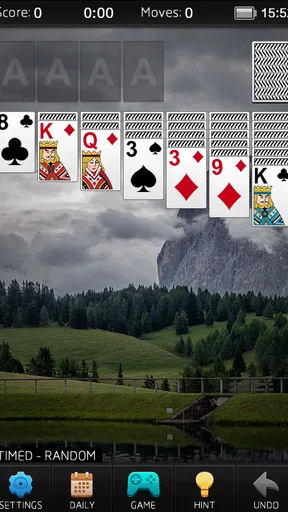
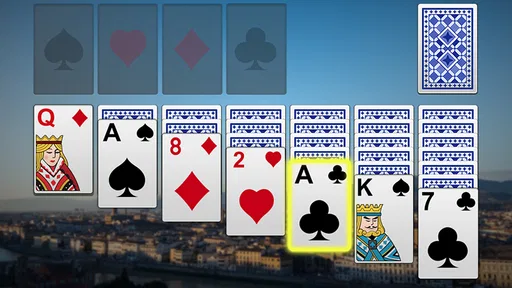
One of the coolest parts of this app is the customization options. You can choose from a variety of card designs and table backgrounds, making each game feel fresh. Whether you prefer a classic green felt or a modern, minimalist look, there’s something for every taste.
And the themes aren’t just for show—they come with unique soundtracks that add to the immersive experience. It’s a nice touch that makes playing for extended periods more enjoyable.
Visual comfort matters more than decoration in a card game I may play for several hands in a row. When I choose a card design, I look for suit symbols and numbers that are easy for me to distinguish at a glance; a striking background is not much help if it makes the cards harder to read. I would also keep the sound low or off when playing in a waiting room or shared space. A themed soundtrack can add atmosphere at home, but quiet play is often the more considerate option in public.
Daily Challenges and Leaderboards
To keep things interesting, Solitaire includes daily challenges. These are a fun way to test your skills and earn rewards. The challenges vary in difficulty, so there’s always something to strive for, whether you’re a newbie or a seasoned pro.
For the competitive folks out there, the leaderboard feature is a great addition. You can see how your scores stack up against other players globally. It’s a nice way to add a social element to what is traditionally a solo game.
These extras change the reason I start another hand. Without a challenge, I might play simply because I have time; a daily task gives that session a modest target, while a leaderboard can make a personal score feel more meaningful. I would treat both as optional motivation, not as a reason to turn every spare moment into a competition. If comparing scores makes a relaxing pastime feel like homework, the classic one-hand-at-a-time approach is likely more satisfying.
There is also a useful distinction between wanting a repeatable solo puzzle and wanting a shared card night. This app’s solitaire format is best when I want control over the pace and no social obligation. It is not a substitute for multiplayer card games if the point is conversation, bluffing, or reacting to another person’s decisions. Likewise, people who prefer a new puzzle mechanic in every session may find the familiar rules less varied than a broader collection of card games.
Ad Experience and In-App Purchases
Now, let’s talk about ads. They’re present, but they don’t overwhelm the experience. You’ll encounter them between games, but they’re usually skippable after a few seconds. If ads really aren’t your thing, you can opt for an ad-free version through an in-app purchase.
There are also in-app purchases for additional themes and features, but these are completely optional. You can enjoy a full and satisfying experience without spending a dime, which is always a plus in my book.
For a casual player, the main trade-off is interruption: an ad between hands can break the calm rhythm, especially if I was planning to start another round immediately. I would finish the current hand before deciding whether the break bothers me, because the timing matters more than the mere presence of advertising. If I only play occasionally, it may be easy to ignore; if I open the game repeatedly during the day, those pauses may become more noticeable. Optional purchases make sense only if a particular extra is worth it to you, rather than because the basic game requires spending.
The core loop is easy to understand: I make a move, see whether it opens useful options, and get the small reward of progress when a card turns up or a suit pile grows. A stuck position or completed hand brings that attempt to a stop. Then I can start fresh, with a new layout and a new chance to spot a better sequence. That reset is the main reason another session begins: the rules stay familiar, but the next puzzle is not simply a continuation of the last one.
There are sensible moments to skip it. I would choose a more involved strategy game when I want a demanding, sustained challenge, and a multiplayer card app when I want interaction with friends. Someone who dislikes ads between rounds may also prefer a paid, ad-free alternative from the start, after checking its terms. But if I want a familiar solo game that can be picked up and put down without a learning curve, this one has a clear use.
In conclusion, Solitaire on mobile is a delightful way to enjoy this timeless card game. Whether you’re a casual player looking to kill a few minutes or a die-hard fan aiming for the top of the leaderboard, this app offers something for everyone. It’s a classic reimagined for the digital age, and it’s definitely worth a download. So, why not give it a try and see if you can beat your best time?
Pros
- Simple and intuitive interface.
- Quick and responsive gameplay.
- Offline mode available.
- Customizable card designs.
- Low battery consumption.
Cons
- Limited game variations.
- Ads can be intrusive.
- No multiplayer mode.
- Lacks advanced features.
- Sound effects are minimal.
FAQs for Solitaire
What are the main features of the Solitaire app?
The Solitaire app offers a classic card game experience with multiple game modes, including Klondike and Spider. It features customizable themes, daily challenges, and a scoring system. Users can enjoy an ad-free experience with a premium version, and the intuitive interface makes it easy to play on both Android and iOS devices.
Is the Solitaire app free to download and play?
Yes, the Solitaire app is free to download and play on both Android and iOS platforms. While it offers many features for free, there are in-app purchases available. These may include ad removal, additional themes, and special game modes that enhance the overall experience.
Can I play Solitaire offline?
Absolutely, the Solitaire app allows you to play offline without any internet connection. This makes it a great option for users who want to enjoy the game during travel or in areas with limited connectivity. All game modes and features are accessible offline, ensuring continuous play.
Are there any ads in the Solitaire app?
The free version of the Solitaire app includes ads that appear occasionally during gameplay. However, users can opt for an ad-free experience by purchasing the premium version. This upgrade enhances the gaming experience by removing interruptions, allowing for a more seamless play.
How does the Solitaire app ensure fair gameplay?
The Solitaire app uses a random card shuffling algorithm to ensure fair and unbiased gameplay. Each game is randomly generated, providing a unique experience every time. The app's developers continuously update and monitor the software to maintain fairness and prevent any cheating mechanisms.


